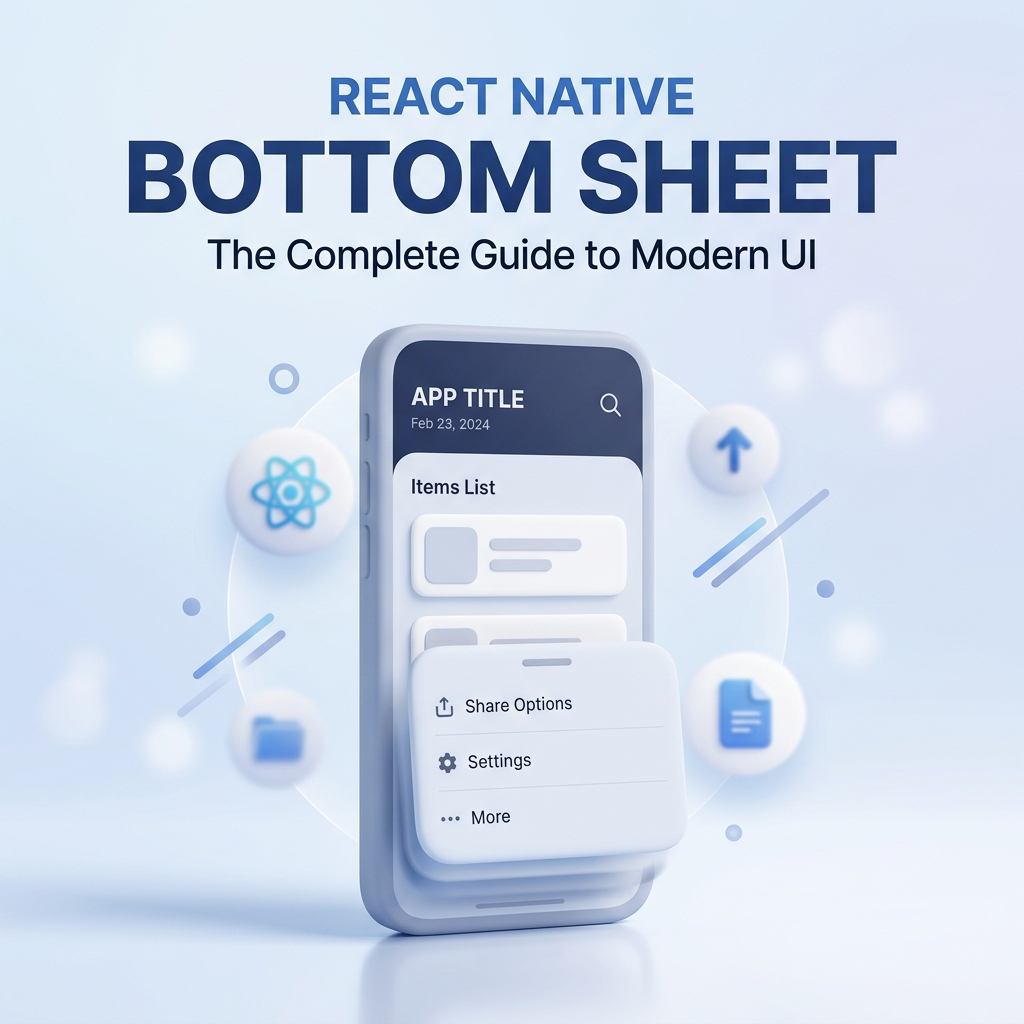
Why I Fell in Love with Gorhom Bottom Sheet in React Native (Expo)
When I was building my app in Expo, I stumbled upon a gem that instantly made my UI feel more modern and interactive: Gorhom Bottom Sheet. And let me tell you—it worked like magic.
What’s So Good About It?
Honestly? Everything.
- Smooth animations out of the box
- Native feel, but built in React Native
- Insanely easy to customize
- Works seamlessly in Expo
- Perfect for things like filters, forms, menus, or modals
Installation
If you’re using Expo, setup is a breeze. Just install the required packages:
npx expo install @gorhom/bottom-sheet react-native-reanimated react-native-gesture-handlerDon’t forget to wrap your app with GestureHandlerRootView and make sure react-native-reanimated is configured correctly in babel.config.js.
Basic Usage Example
Here’s a minimal example to get you started:
import React, { useRef, useMemo } from 'react';
import { View, Text, Button } from 'react-native';
import BottomSheet from '@gorhom/bottom-sheet';

const MyBottomSheet = () => {
  const sheetRef = useRef<BottomSheet>(null);
  const snapPoints = useMemo(() => ['25%', '50%'], [])

  return (
    <>
      <Button title="Open Bottom Sheet" onPress={() => sheetRef.current?.expand()} />
      <BottomSheet
        ref={sheetRef}
        index={-1}
        snapPoints={snapPoints}
      >
        <View style={{ padding: 20 }}>
          <Text>This is a bottom sheet!</Text>
        </View>
      </BottomSheet>
    </>
  )
 };
Real-World Use Case
I used it for a calendar day configuration UI—where tapping on a day opens a bottom sheet to let users set working hours or mark a holiday. It looked so clean and felt incredibly smooth. No jank, no lag, just a slick user experience.
Final Thoughts
If you're building with React Native or Expo, Gorhom Bottom Sheet is 100% worth adding to your toolkit. It took my app's UX to the next level without any extra headache.
Tech Stack: React Native, Expo, Gorhom Bottom Sheet, React Native Reanimated