The Problem: AI Image Generation is Fragmented
For designers, creators, and developers, generating images using AI often feels like an exercise in frustration. The standard chat-based interfaces present several core pain points:
- Reference Loss: You lose track of the reference images used for generation.
- Context Drift: In chat flows, the AI model loses track of context after a few prompts, requiring you to repeat guidelines.
- Workflow Silos: Connecting prompt templates, seeds, webcam pictures, and generation engines is manual and repetitive.
Floral was built to solve these exact frustrations. Created over a 3-day sprint (followed by intensive feedback loops and UI refinement with colleagues), Floral transforms image generation into a structured, visual node graph editor.
Workspace Overview
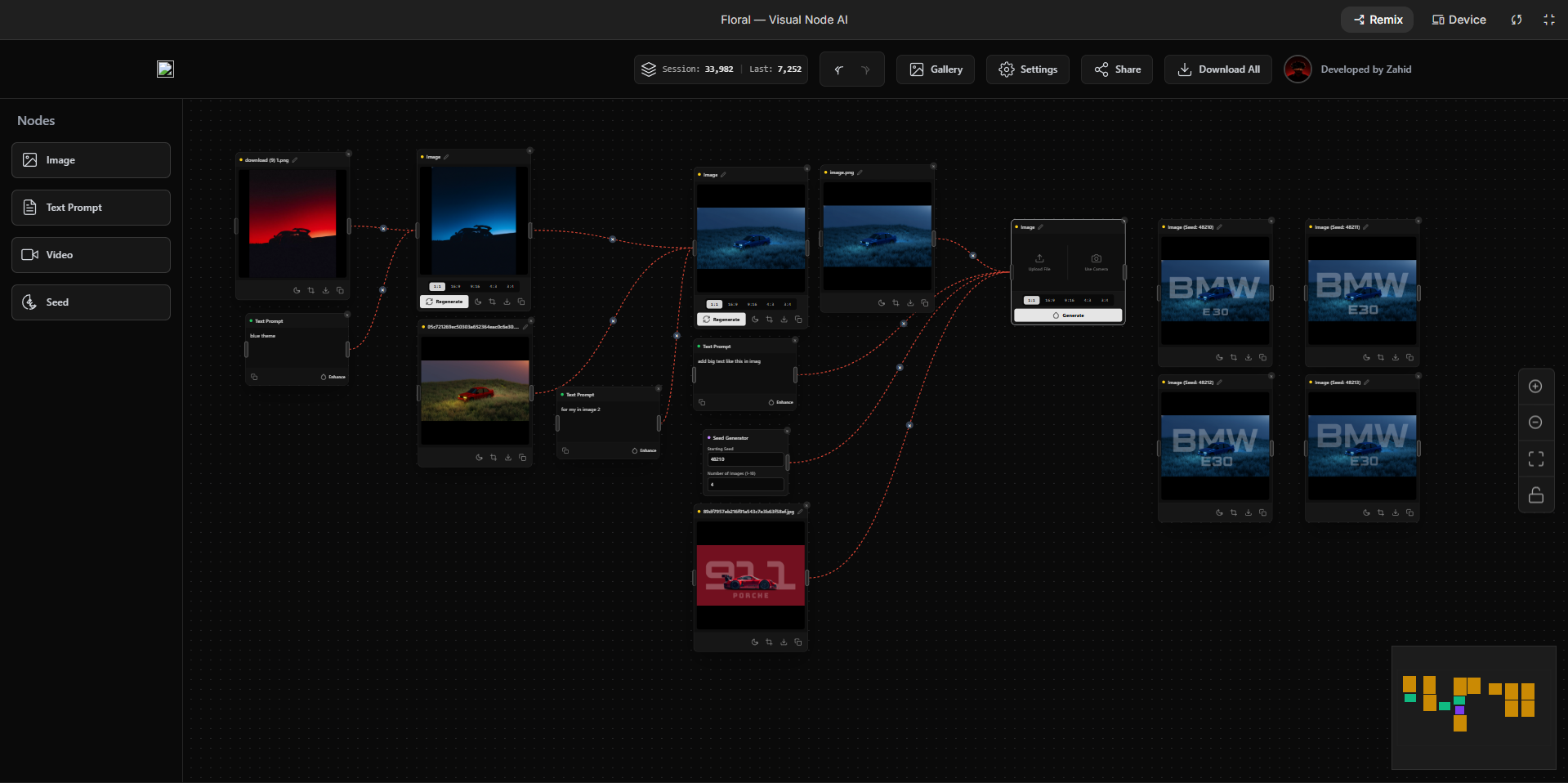
Here is a look at the Floral workspace where you can visually organize and execute your AI workflows.
How Floral Works: The Visual Node System
Instead of typing in a single prompt box, Floral lets you drag and connect modular blocks. Here is the detailed breakdown of the available node types:
<div className="my-6 overflow-x-auto rounded-xl border border-neutral-200 dark:border-neutral-800"> <table className="min-w-full border-collapse text-sm"> <thead> <tr className="border-b border-neutral-200 bg-neutral-100/50 dark:border-neutral-800 dark:bg-neutral-900/50"> <th className="px-4 py-3 text-left font-semibold text-neutral-900 dark:text-neutral-100"> Node Type </th> <th className="px-4 py-3 text-left font-semibold text-neutral-900 dark:text-neutral-100"> Allowed Inputs & Methods </th> <th className="px-4 py-3 text-left font-semibold text-neutral-900 dark:text-neutral-100"> Primary Workflow Purpose </th> <th className="px-4 py-3 text-left font-semibold text-neutral-900 dark:text-neutral-100"> Key Features & Details </th> </tr> </thead> <tbody className="divide-y divide-neutral-200 dark:divide-neutral-800"> <tr> <td className="px-4 py-3 font-semibold whitespace-nowrap text-neutral-900 dark:text-neutral-100"> Image Node </td> <td className="px-4 py-3 text-neutral-700 dark:text-neutral-300"> Local upload, webcam capture, AI generation output </td> <td className="px-4 py-3 text-neutral-700 dark:text-neutral-300"> Serves as a visual reference / seed anchor for Image-to-Image models. </td> <td className="px-4 py-3 text-neutral-700 dark:text-neutral-300"> Supports drag-and-drop uploads, real-time snapshot using laptop webcam, and links directly as context for generations. </td> </tr> <tr> <td className="px-4 py-3 font-semibold whitespace-nowrap text-neutral-900 dark:text-neutral-100"> Video Node </td> <td className="px-4 py-3 text-neutral-700 dark:text-neutral-300"> Connects output pipelines of text nodes and image nodes </td> <td className="px-4 py-3 text-neutral-700 dark:text-neutral-300"> Orchestrates multi-frame generation to produce sequential AI animations. </td> <td className="px-4 py-3 text-neutral-700 dark:text-neutral-300"> Automatically compiles connected visual assets and timing rules to build smooth video files. </td> </tr> <tr> <td className="px-4 py-3 font-semibold whitespace-nowrap text-neutral-900 dark:text-neutral-100"> Text Node </td> <td className="px-4 py-3 text-neutral-700 dark:text-neutral-300"> Keyboard text, AI prompt builder rewrite templates </td> <td className="px-4 py-3 text-neutral-700 dark:text-neutral-300"> Provides the base textual prompts and pre-prompts for context mapping. </td> <td className="px-4 py-3 text-neutral-700 dark:text-neutral-300"> Features pre-prompt injections to guide outputs without chat drift, and supports inline template rewrites. </td> </tr> <tr> <td className="px-4 py-3 font-semibold whitespace-nowrap text-neutral-900 dark:text-neutral-100"> Seed Node </td> <td className="px-4 py-3 text-neutral-700 dark:text-neutral-300"> Numeric values, count sliders, iteration parameters </td> <td className="px-4 py-3 text-neutral-700 dark:text-neutral-300"> Standardizes and controls random vectors for generation consistency. </td> <td className="px-4 py-3 text-neutral-700 dark:text-neutral-300"> Allows locking seed values for identical outputs, or incrementing seeds for a batch array. </td> </tr> </tbody> </table> </div>Visual Interface Highlights
Below is a breakdown of how these nodes are configured within the flow editor interface:
-
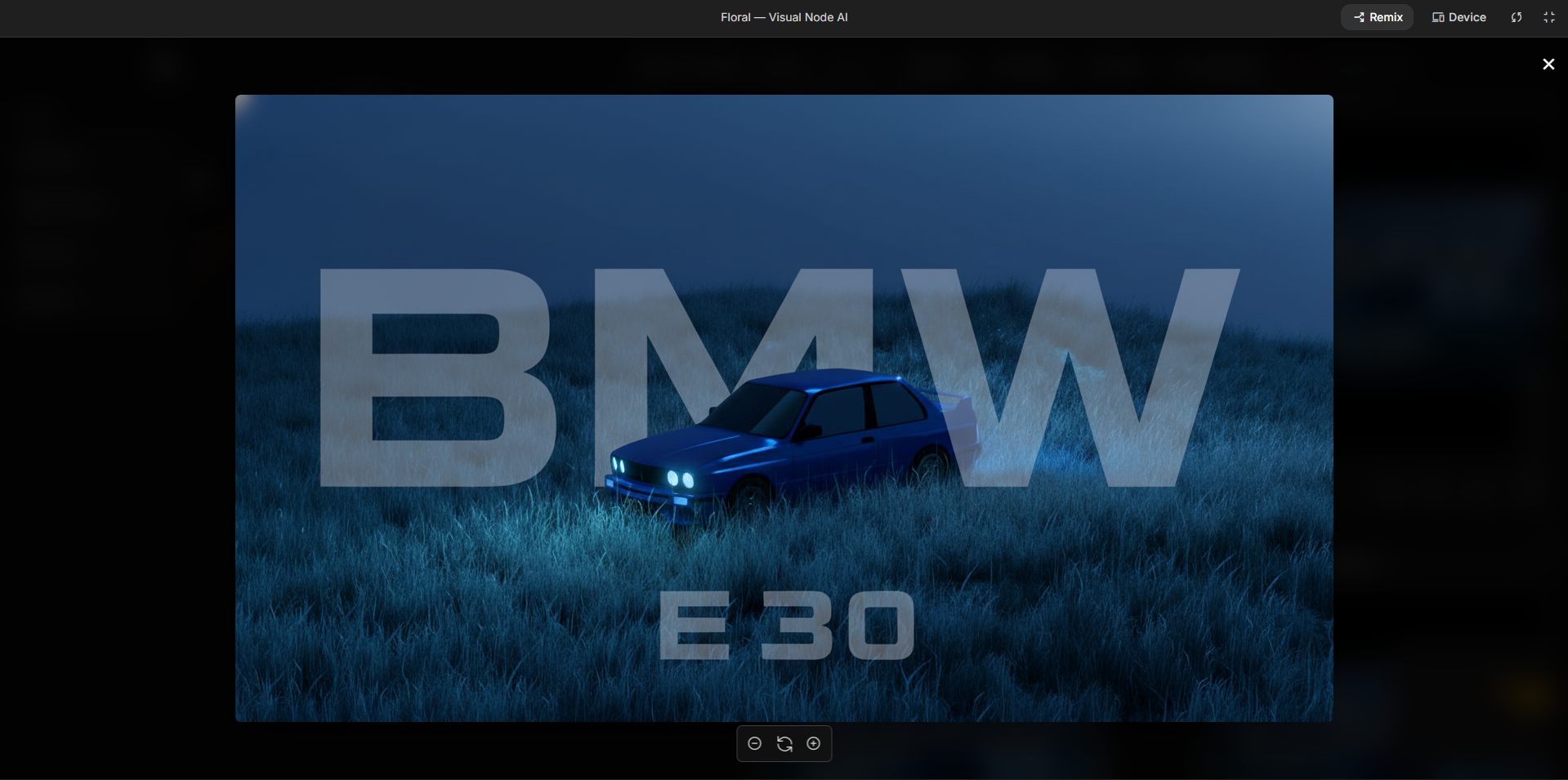
Image Node Capture & Configuration:
-
Text Prompt & Pre-Prompt Editor:
-
Seed Locking & Iteration Controls:
Key Features
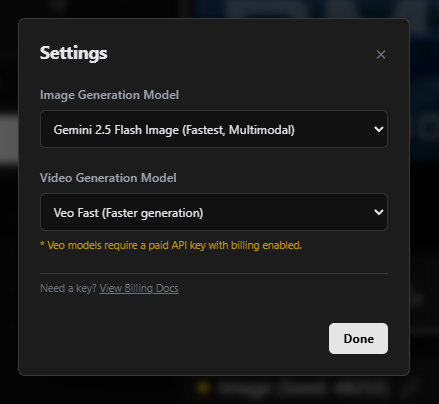
- Google AI Studio Integration: Directly communicates with the Gemini and Google AI APIs for fast, high-quality responses.
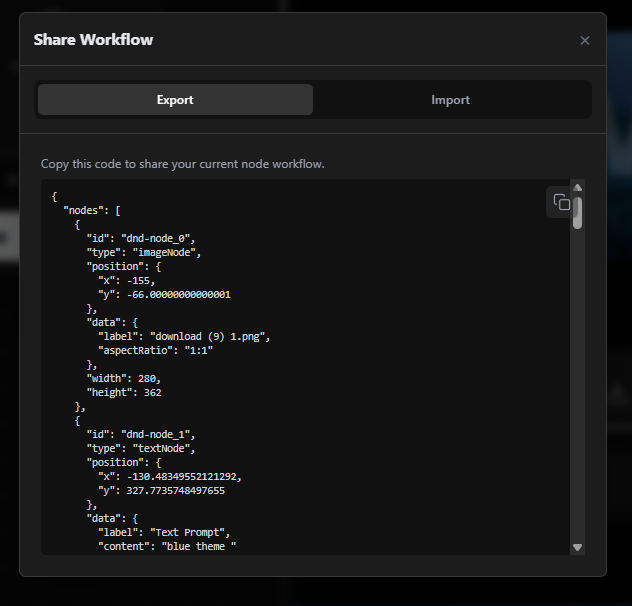
- Workflow Sharing: Export your complete visual layout as a JSON file and import it anytime to pick up exactly where you left off.
- Theme/Mode Selector: Adapt your workspace to match your style or ambient lighting.
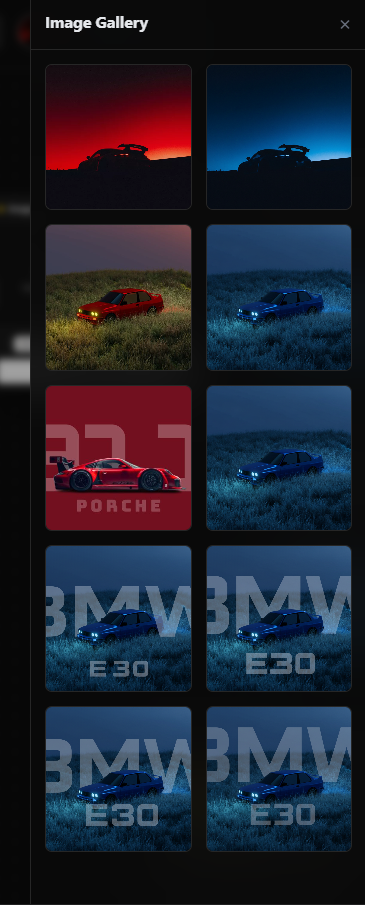
- Interactive Gallery: Keep track of all generated variants in a clean, visual grid without leaving the project.
- Webcam Integration: Snap reference shots on the fly to use as instant generation seeds.
Outcome and Team Feedback
Initially created to solve a personal workflow bottleneck, Floral was quickly shared with colleagues and team members. Using their hands-on feedback, we:
- Streamlined the node connector wires.
- Improved the layout spacing and reactivity of the workspace.
- Enhanced the webcam-to-node loading speed.
Now, instead of navigating endless chat logs, the team uses Floral to save hours of generation time every day by mapping out their visual pipelines visually.